You just decided to get serious about data analytics. You’ve cleared the basics, maybe watched a few YouTube tutorials, and now you’re staring at the same fork in the road that trips up thousands of aspiring analysts every year: Power BI or Tableau?
Pick wrong, and you spend six months mastering a tool that barely shows up in the job descriptions you’re targeting. Pick right, and you’re interview-ready faster than you think. This Power BI vs Tableau 2026 breakdown cuts through the noise — with real job numbers, salary data, and a clear decision framework — so you can stop overthinking and start learning.
Why This Question Matters More Than Ever in 2026
The business intelligence market is no longer a niche corner of the tech world. According to Statista, the global BI market is on track to cross $54 billion by 2026 — and companies across every industry are scrambling to build data teams to keep pace.
That growth means opportunity. But it also means the tools you learn signal to hiring managers exactly what kind of analyst you are, what environments you’ll thrive in, and what salary you can command. Power BI and Tableau aren’t interchangeable. They attract different employers, different roles, and different career trajectories. Understanding that split before you commit your learning hours is the smartest move you can make right now.
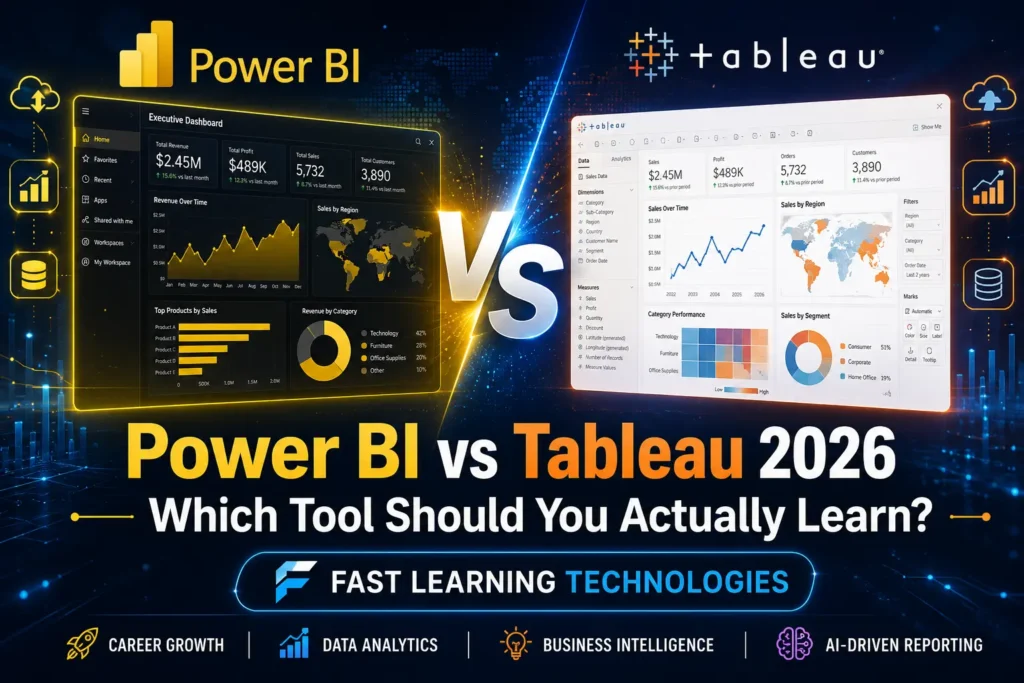
Power BI vs Tableau 2026 — A Quick Head-to-Head
Before diving into careers, let’s cover the tools themselves. Here’s what actually differentiates them in 2026.
Cost & Licensing
Power BI starts at $14 per user per month for the Pro tier — one of the most cost-effective entry points in enterprise BI. For companies already paying for Microsoft 365, it often feels like a near-free add-on, which is a massive reason for its rapid adoption in small and mid-sized businesses.
Tableau’s pricing sits considerably higher. It’s aimed at analytics-first organizations willing to pay a premium for visualization depth and flexibility. That cost gap — roughly 50% or more depending on tier — is a real factor in why Power BI has grown faster in total license seats since 2023.
Platform & Ecosystem
Power BI lives inside the Microsoft universe. If your organization runs Azure, Teams, SharePoint, or Excel, Power BI slots in without friction — single sign-on, embedded dashboards in Teams, native connections to SQL Server and Azure data services. For Microsoft-shop industries (manufacturing, finance, government, healthcare), this integration is a genuine competitive advantage.
Tableau, now owned by Salesforce, is increasingly the visualization layer for Salesforce Data Cloud. In fiscal 2025, Tableau attached to roughly 65% of new Data Cloud deals — meaning if your employer runs Salesforce at scale, Tableau is becoming a default part of that stack. It also runs natively on both Mac and Windows, which Power BI Desktop does not (Windows only for desktop development).
Visualization & Flexibility
This is where Tableau earns its reputation. Its drag-and-drop interface is purpose-built for visual exploration — analysts can iterate through chart types, custom calculations, and complex multi-dimensional views faster than almost any other tool on the market. It handles larger datasets better and gives designers finer pixel-level control over how dashboards look and behave.
Power BI excels at operational reporting — consistent, governed, shareable reports that non-technical stakeholders can consume and refresh on schedule. It’s less flexible visually but more predictable at enterprise scale.
The 2026 Job Market: What the Numbers Actually Say
Opinions are everywhere. Data is rarer. Here’s what the actual job market looks like right now.
As of early 2026, Indeed lists approximately 58,000 US job postings requiring Power BI versus 52,000 requiring Tableau. Power BI has overtaken Tableau in raw job volume since 2023, and that gap has continued to widen.
But raw numbers don’t tell the full story. Where each tool appears matters as much as how often.
- Power BI dominates in Microsoft-ecosystem industries: banking, insurance, healthcare operations, government, manufacturing, and shared services. These roles tend to be Business Analyst, BI Developer, and Reporting Analyst titles — high volume, steady demand, clear career ladder.
- Tableau leads at large tech companies, analytics consultancies, SaaS product teams, and data science groups. These roles lean toward Senior Data Analyst, Analytics Engineer, and Data Storyteller titles — fewer in number, but higher in prestige and often higher in pay.
For professionals in India, the split is particularly sharp. Power BI roles appear heavily in large enterprises needing steady reports across finance, operations, and shared services divisions. Tableau shows up more in analytics consulting firms, product companies, and organizations where dashboards need to persuade, not just report.
One important nuance: many job postings in 2026 list both tools, or use vague language like “BI tool experience preferred.” If you only know one, you’ll routinely interview against candidates who know the other. That’s worth keeping in mind.
Salary Comparison — Power BI vs Tableau in 2026
Let’s talk money. Both tools offer strong earning potential, but the breakdown is more nuanced than most comparison articles admit.
In the US market:
- Power BI professionals earn between $70,000 and $120,000 annually, depending on experience, certifications, and industry
- Tableau professionals earn between $75,000 and $140,000 annually, with the upper range concentrated in finance, consulting, and top-tier tech
Indeed’s late-2025 data puts average total compensation for a Power BI Developer at $97,000 and a Tableau Developer at $99,500 — a gap small enough that tool choice alone shouldn’t drive your decision.
Where the difference shows up more clearly is in career trajectory. A 2026 Glassdoor analysis found that Tableau adds roughly a $13,000 lift to average data analyst salaries compared to a $11,000 lift for Power BI. That reflects Tableau’s concentration at higher-paying tech and consulting employers — not necessarily the tool itself being more valuable.
The honest answer on salary: your domain expertise, SQL skills, business acumen, and seniority level will matter far more than which visualization tool you chose. Both tools can lead to six-figure roles. Neither guarantees one.
Learning Curve & Certification Paths
How long will it take you to get job-ready? That depends on your background.
Power BI
Power BI is widely considered the better starting point for beginners, especially those coming from Excel-heavy backgrounds. The interface feels familiar — connecting to data, building tables, and creating simple visuals follows patterns that spreadsheet users already know.
The primary certification is the PL-300: Microsoft Power BI Data Analyst exam. It validates skills across data preparation, data modeling, DAX (Data Analysis Expressions), and dashboard deployment. The PL-300 is one of the most frequently requested certifications in BI analyst job postings — it signals credibility to hiring managers quickly.
DAX is worth calling out specifically. It’s Power BI’s formula language, and it has a real learning curve. But once you’re comfortable with it, you can build complex calculations, time-intelligence functions, and dynamic measures that go well beyond what most entry-level analysts produce.
Tableau
Tableau’s learning curve is steeper upfront — not because it’s harder to use, but because its flexibility means there are more decisions to make at every step. Once it clicks, most analysts find it faster for exploratory analysis than Power BI.
Tableau offers two main certifications:
- Tableau Desktop Specialist — entry-level, validates core interface and calculation skills
- Tableau Certified Data Analyst — professional-level, covers design best practices, complex calculations, and business interpretation
One underrated advantage: Tableau Public, a free platform where analysts share interactive dashboards publicly. Building a portfolio on Tableau Public and sharing it on LinkedIn is one of the fastest ways to get noticed by analytics hiring managers. Power BI doesn’t have a comparable public-sharing platform.
So Which Should YOU Learn? A Decision Framework
Here’s the honest framework that most comparison articles won’t give you.
Choose Power BI if:
- You’re from an IT, engineering, finance, or operations background
- Your target employers are mid-to-large enterprises, especially those running Microsoft stacks
- You want the fastest path to your first BI job — Power BI has more entry-level openings
- You’re already comfortable with Excel or SQL Server
- Budget matters — Power BI Desktop is free to learn on
Choose Tableau if:
- You’re targeting analytics consulting, product analytics, marketing analytics, or data science teams
- Visual storytelling and design quality are central to the roles you want
- You’re aiming at top-tier tech companies or specialized analytics firms
- You come from a business, marketing, or communications background and want to make data persuasive
- You want to build a public portfolio that attracts recruiters
If you can only pick one: learn Power BI first. More jobs, lower barrier to entry, free to start, and faster path to that first paycheck. Once you’re employed and have six to twelve months of real-world practice under your belt, adding Tableau becomes significantly easier — the conceptual overlap in data modeling, calculated fields, and visual best practices means your second tool takes a fraction of the time the first one did.
The “learn both” strategy is genuinely viable for serious candidates with time to invest. Bootcamps and structured training programs increasingly teach both tools together because interviewers in 2026 increasingly expect fluency in at least one and familiarity with the other.
Start Learning Today — Fast Learning Technologies Has You Covered
The good news: you don’t have to choose between a great Power BI course and a great Tableau course. Fast Learning Technologies offers structured, career-focused training in both — built around real-world projects, not just feature walkthroughs.
Whether you’re starting from scratch or leveling up from spreadsheets, the right program gives you hands-on experience with the exact datasets and dashboard types hiring managers want to see in your portfolio.
Don’t let analysis paralysis cost you another month. Visit fastlearningtechnologies.com today, pick your path, and build the skill that data teams are actively hiring for right now.